Why Prepare Your eSIM Before You Fly?
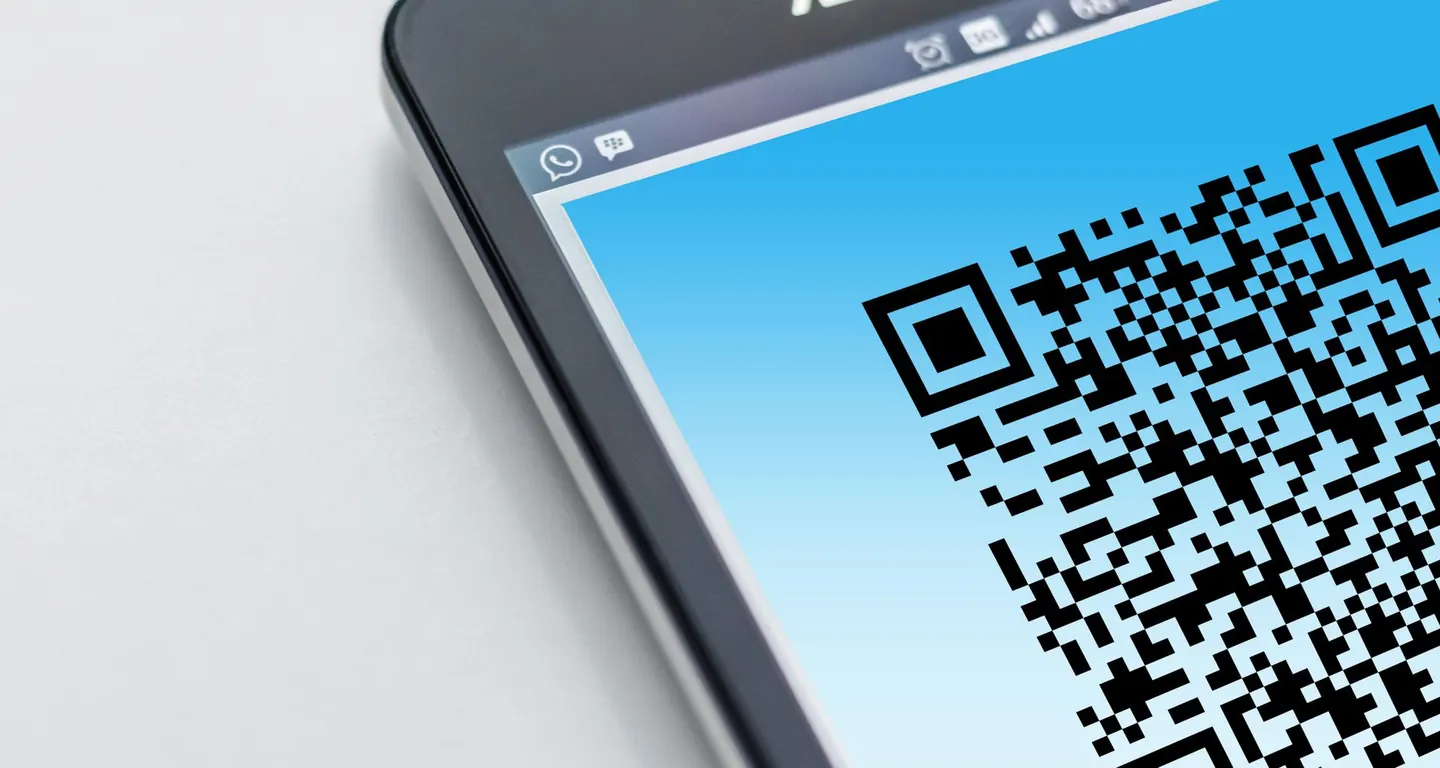
Traveling to Egypt is an adventure, but the last thing you want is to land without connectivity. By setting up your eSIM before departure, you can avoid the hassle of finding a local SIM or relying on spotty airport Wi-Fi. With eSIM Égypte, you receive your QR code instantly via email after purchase, so you can install it at home, at the airport, or even on the plane.
This guide walks you through receiving and scanning your eSIM QR code, ensuring you're connected the moment you step off the plane. Whether you're visiting the Pyramids or diving in the Red Sea, a reliable data connection is essential.
What You'll Receive from eSIM Égypte
When you purchase a plan from Egypt eSIM plans, you'll get an email containing a QR code. This code is unique to your device and activates your eSIM profile. The email also includes a simple installation guide. Remember, your data is unlimited, but a fair-use policy applies: after roughly 1 GB of high-speed data per day, speeds are reduced to 512 Kbps until the next day.
Step-by-Step: How to Scan Your eSIM QR Code
Here's how to install your eSIM before you travel. The process is similar for both iPhone and Android devices.
On iPhone (iOS 15.4 or later)
- Go to Settings > Cellular (or Mobile Data).
- Tap Add Cellular Plan.
- Scan the QR code from your email using your camera.
- Follow the prompts to label your plan (e.g., "Egypt eSIM").
- Set it as your data line (or choose it when in Egypt).
On Android (Samsung, Google Pixel, etc.)
- Open Settings > Connections > SIM card manager (or similar).
- Tap Add eSIM (or "Add mobile plan").
- Select Scan QR code.
- Point your camera at the QR code and confirm.
If you encounter any issues, our FAQ has additional tips, or you can contact us for support in French or English.
What to Do If You Haven't Received Your QR Code
In rare cases, emails get lost. Check your spam folder first. If it's not there, you can resend your QR code from our website. We'll send it again to your email instantly.
Compatibility Check: Does Your Phone Support eSIM?
Most modern smartphones support eSIM, but it's always wise to check your phone compatibility before purchasing. iPhones from XS onwards, Google Pixels, Samsung Galaxy S22 and newer, and many others are compatible. If your phone doesn't support eSIM, you might need a physical SIM, but for most travelers, eSIM is the way to go.
Tips for a Smooth Setup
- Scan before you fly: Ensure you have a Wi-Fi connection when scanning, as the activation process requires internet.
- Keep your email handy: Save the email or take a screenshot of the QR code in case you need to reinstall.
- Set your data roaming: In your phone settings, enable data roaming for your eSIM to work in Egypt.
- Label your plans: If you have multiple eSIMs, label them clearly to avoid confusion.
Understanding Your Data: Fair Use Explained
Your eSIM Égypte plan offers unlimited data, but it's subject to a fair-use policy. After approximately 1 GB of high-speed data per day, your speed is reduced to 512 Kbps, which is enough for messaging and basic web browsing. The speed resets to full the next day. This ensures fair usage for all travelers.
Why Choose eSIM Égypte?
As a specialist in Egypt, we provide unlimited data on every plan, with durations from 1 to 30 days. Our network partners include Vodafone Egypt, Orange Egypt, and e& Egypt, ensuring excellent coverage across the country. With instant email delivery and support in French and English, we're here to help you stay connected.
Ready to get connected? Browse our Egypt eSIM plans and choose the duration that fits your trip. For more info, check our coverage page or about us.